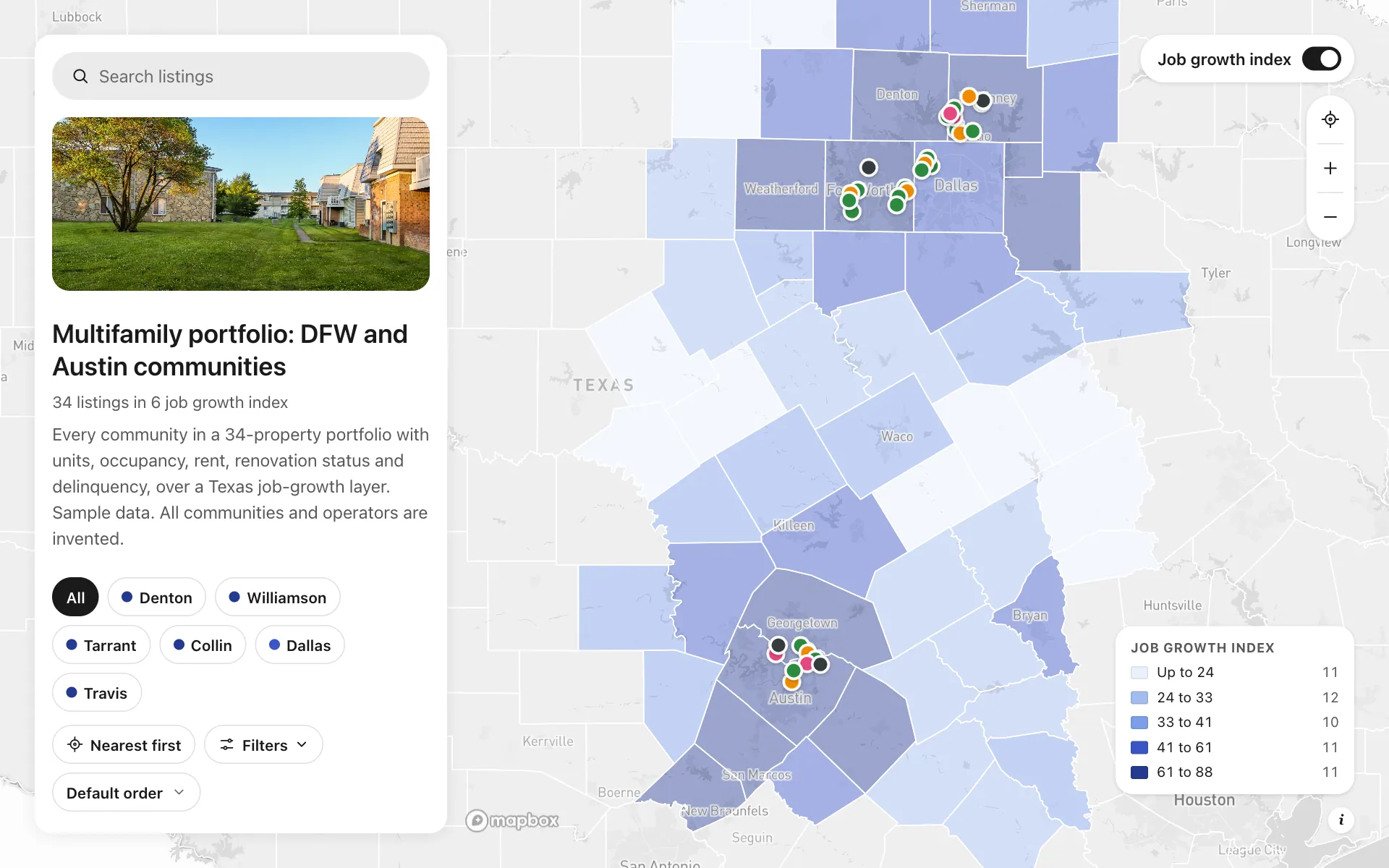
Multifamily portfolio tracker
An invented operator with 34 communities across Dallas-Fort Worth and Austin keeps its portfolio on one map. Each community carries units, occupancy, average rent, delinquency, year built, renovation status and the leasing office number. A county layer shades job growth, so the VP can see which weak properties sit in strong markets. Filter to value-add communities below 92% occupancy, or share the link so leasing staff can send a prospect to the right building.
A sample map: its businesses and people are invented.
Who needs a map like this
Who it’s for
Property management companies and multifamily owners and operators, and the investors who underwrite them
What it’s worth
One point of occupancy on a 6,000-unit portfolio is seven figures a year. Seeing every community's units, occupancy, rent, renovations and delinquency on one map shows which submarkets drag and which are ready for a rent push, instead of waiting for the monthly report.
What to notice in this map
- Pins colored by stage: stabilized, lease-up, value-add and under construction
- Texas counties shaded by a job growth index, so weak communities in strong markets stand out
- Range filters on units, occupancy, rent and delinquency
- Renovation status and submarket filters to find the next rent push
- Call the leasing office button on every community
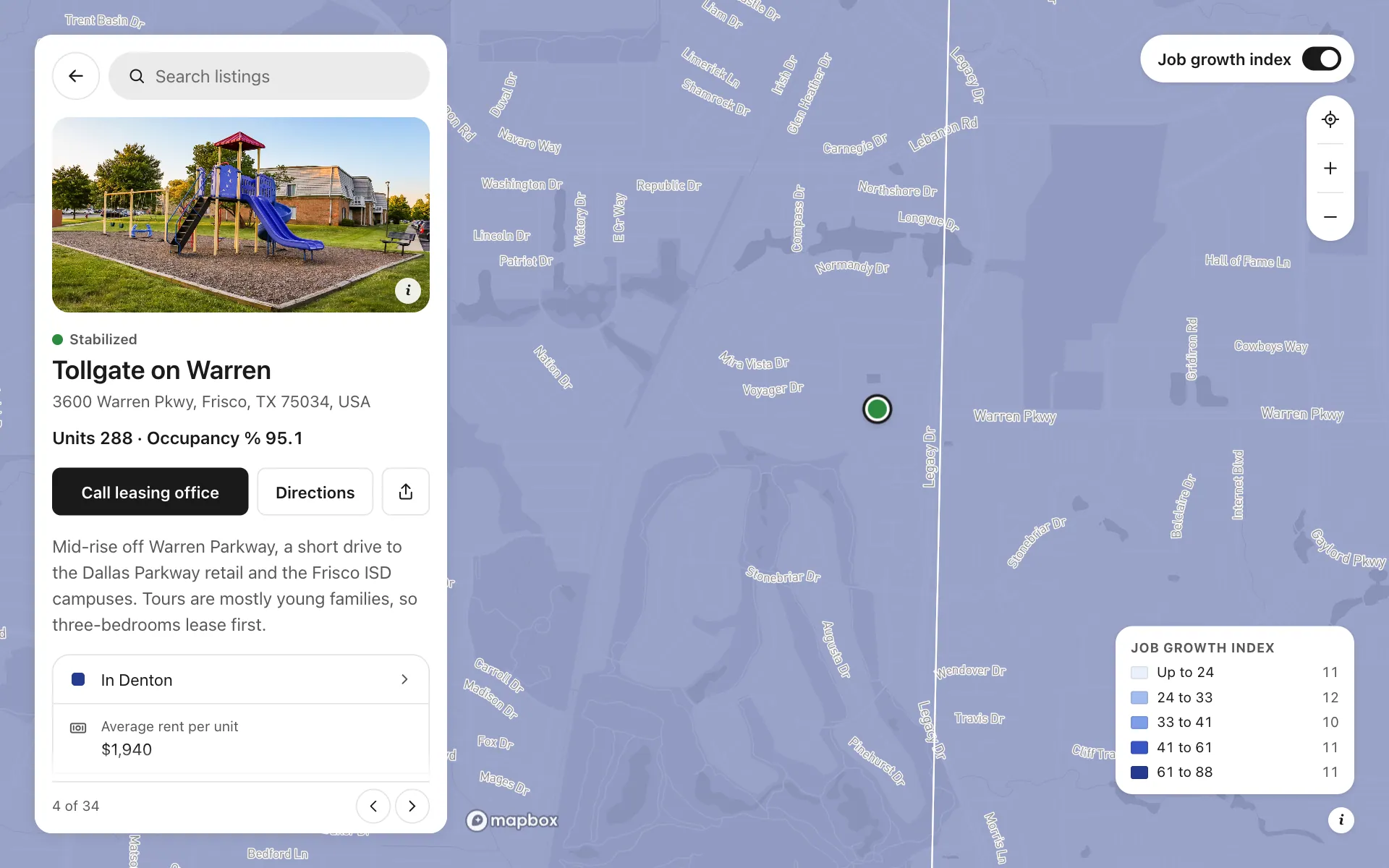
Open any place on the map to see its details and buttons.
Make one like it in an afternoon
You don't need a developer. These are the four steps, in Create Mappins.
Step 1
Create a Directory map and add four categories: Stabilized, Lease-up, Value-add and Under construction.
Step 2
Add fields for units, occupancy and delinquency (numbers), average rent (money), renovation status and submarket (choices), year built (text) and a phone field with the button Call the leasing office.
Step 3
Add each community by address, fill in its numbers and write one line on what the leasing team should know.
Step 4
Add a county layer shaded by your own job growth column, turn on the filters, and share the link with your team.
More maps like this
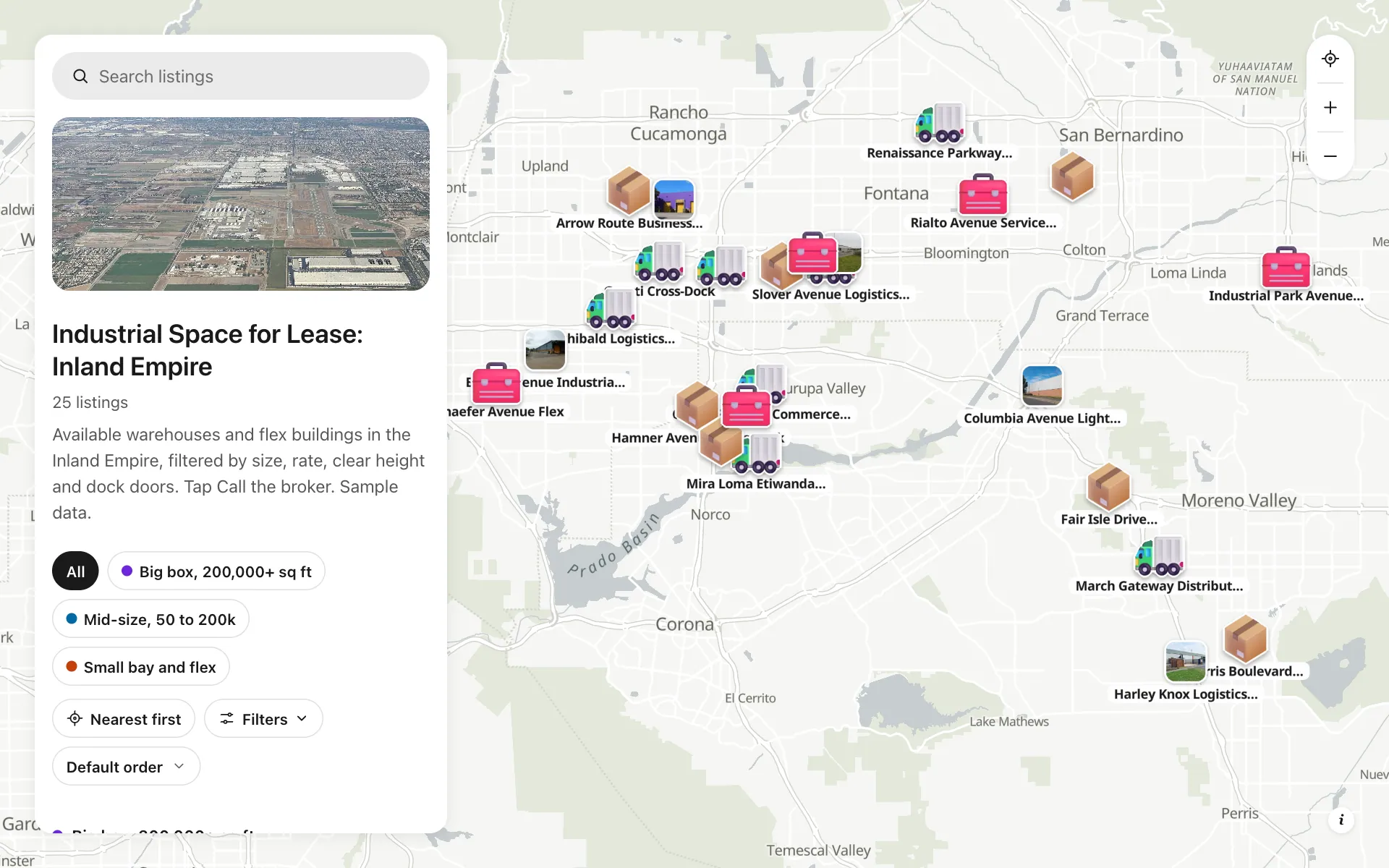
Industrial space for lease
Available warehouses across the Inland Empire, filtered by size, rate, clear height and docks.
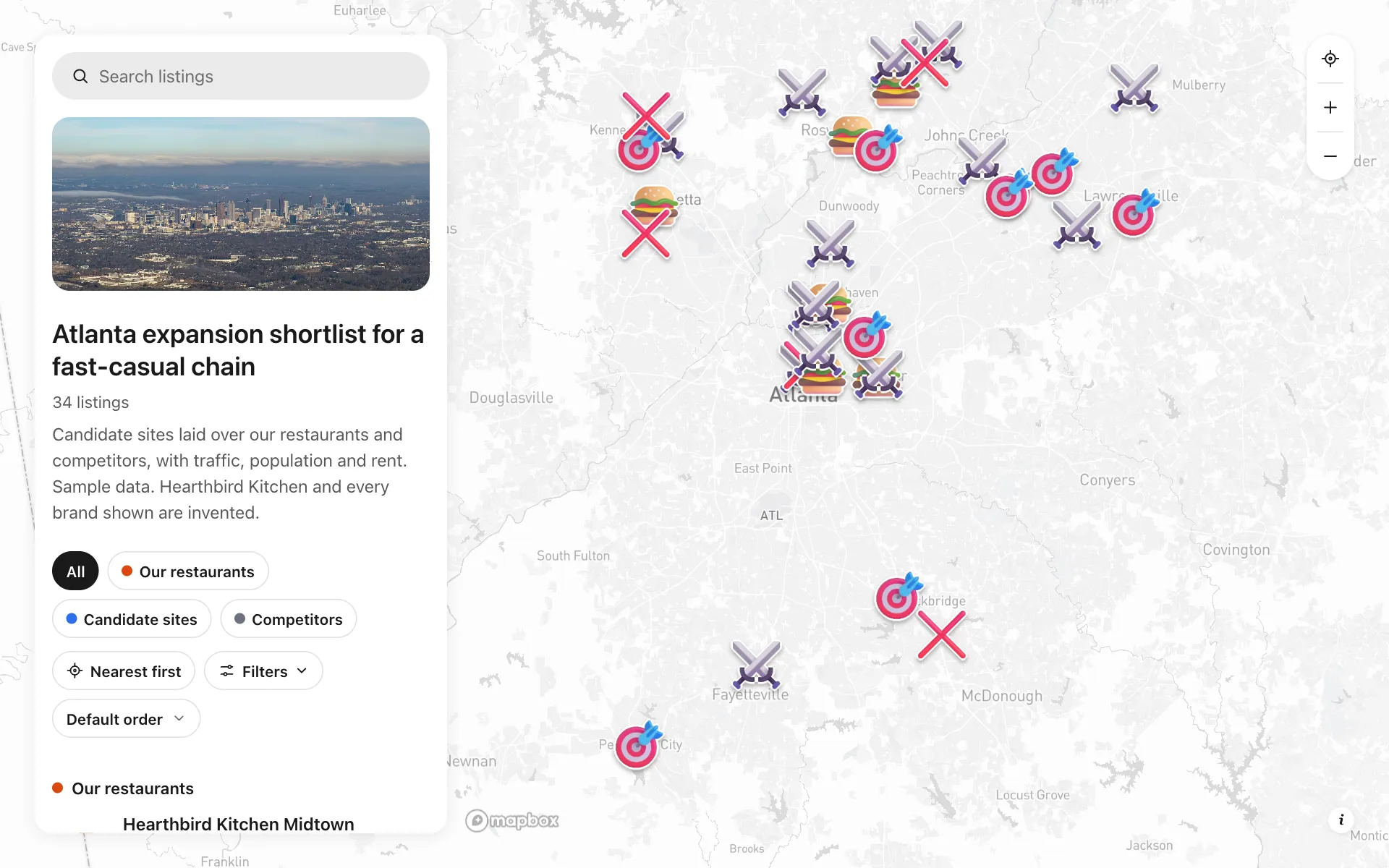
Retail site selection
Candidate sites over existing units and rivals, with traffic, population and rent in one shared map.
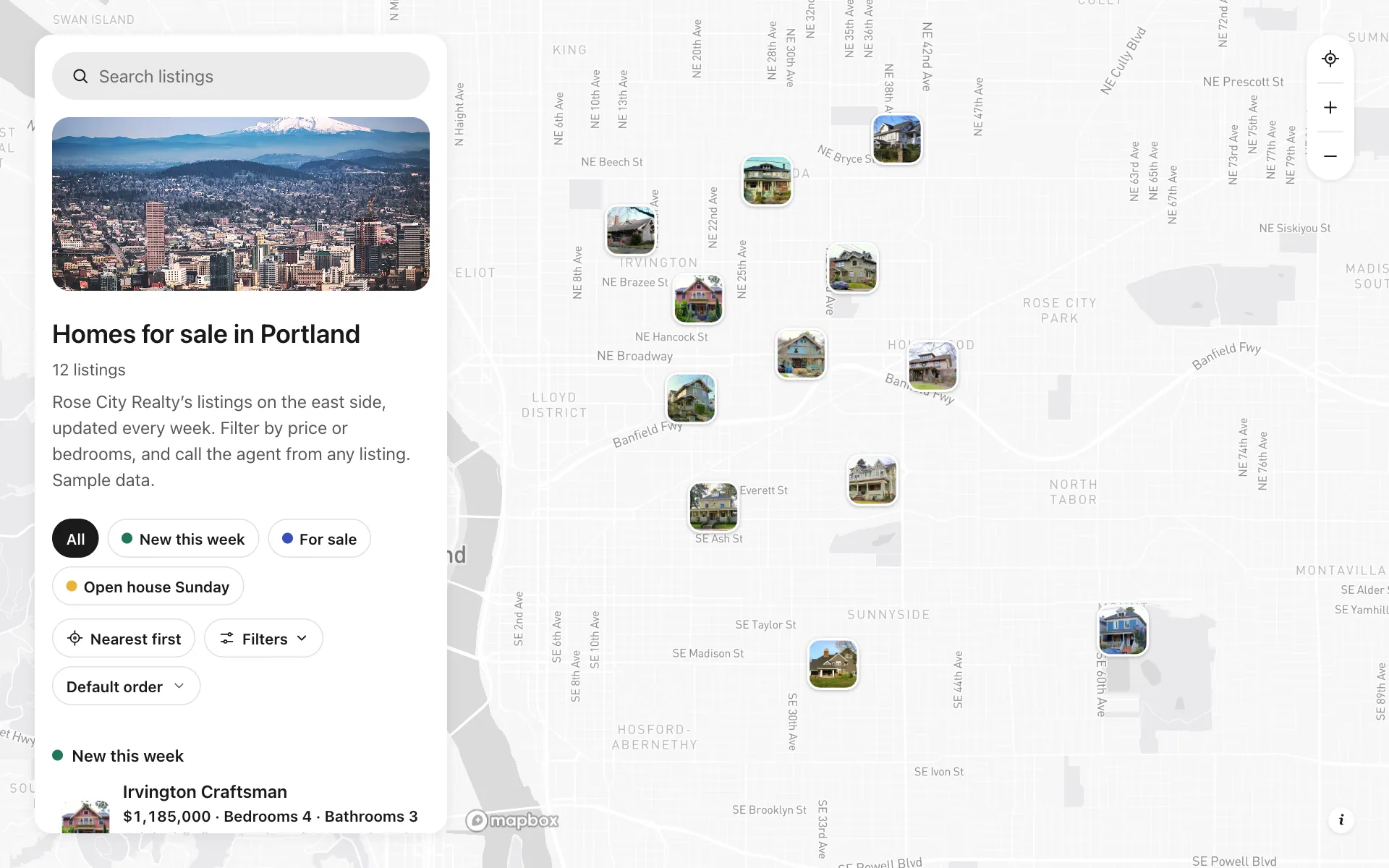
Home listings for agents
12 Portland homes with photos, price, bedrooms and a call-the-agent button, filterable by all three.
Build the map your business needs
Start free: up to 3 maps. Import your own data, add photos and details, and share one link.