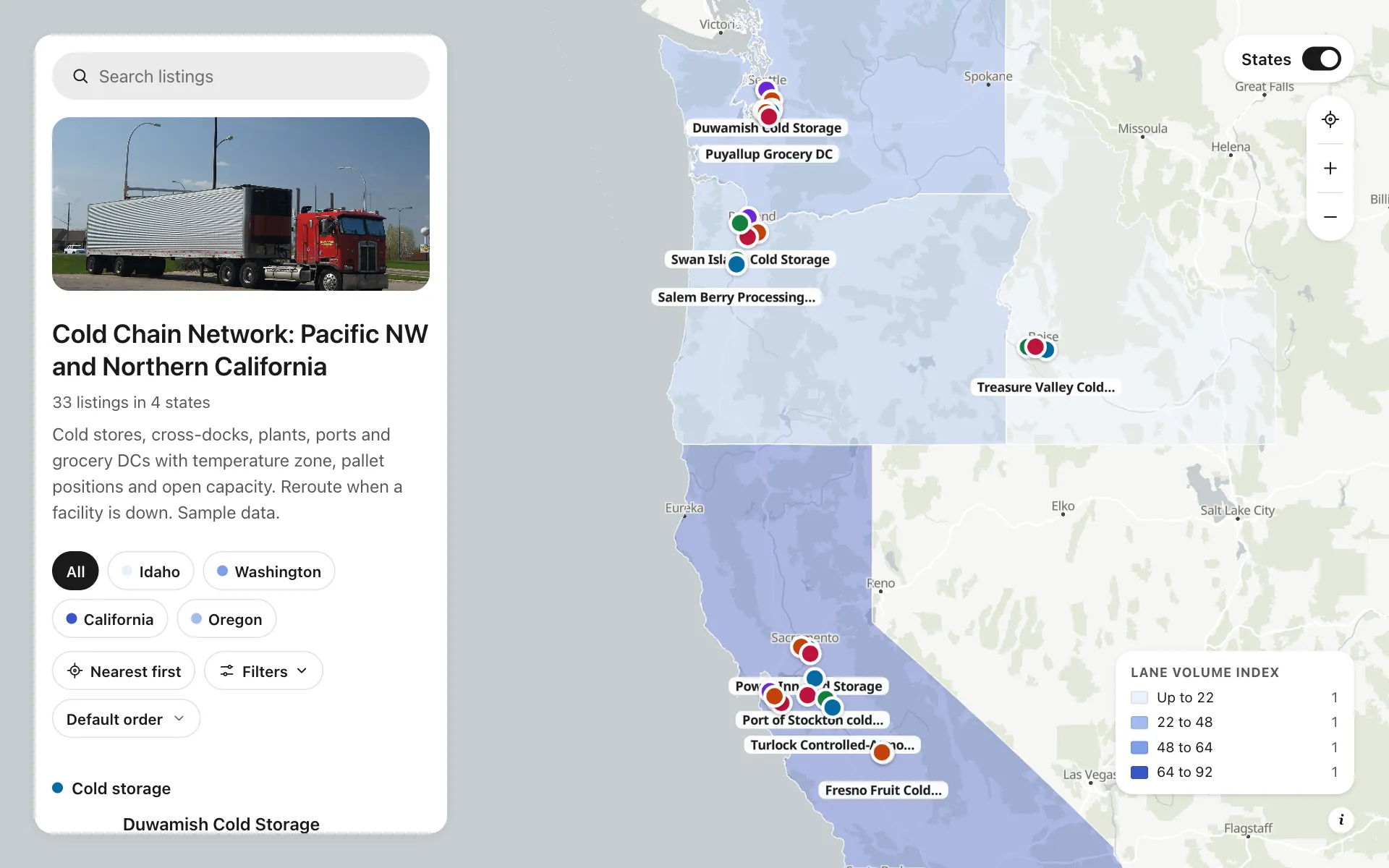
Cold chain network
Thirty-three facilities across Washington, Oregon, Idaho and Northern California: cold stores, cross-docks, processing plants, port reefer terminals and grocery DCs. Each lists its temperature zones, pallet positions, dock doors, FSMA and SQF status and open capacity. When a facility goes down, a planner filters for frozen space with 20 percent or more open, finds the closest match and taps Check capacity. States are shaded by lane volume so gaps in coverage show up at a glance.
A sample map: its businesses and people are invented.
Who needs a map like this
Who it’s for
Supply-chain and logistics heads at grocery distributors, food manufacturers and 3PLs with refrigerated networks
What it’s worth
Spoiled loads and expedited freight cost far more than the map does. When a freezer goes down or a port berth backs up, planners see every other cold store, its temperature zones and open pallets on one screen, and reroute in minutes instead of paging through a spreadsheet.
What to notice in this map
- Filter by temperature zone, pallet positions and open capacity
- Five categories: cold stores, cross-docks, plants, ports and DCs
- FSMA and SQF certified filter for audit-sensitive loads
- Check capacity button calls each facility's planner desk
- Quiet state shading by lane volume index
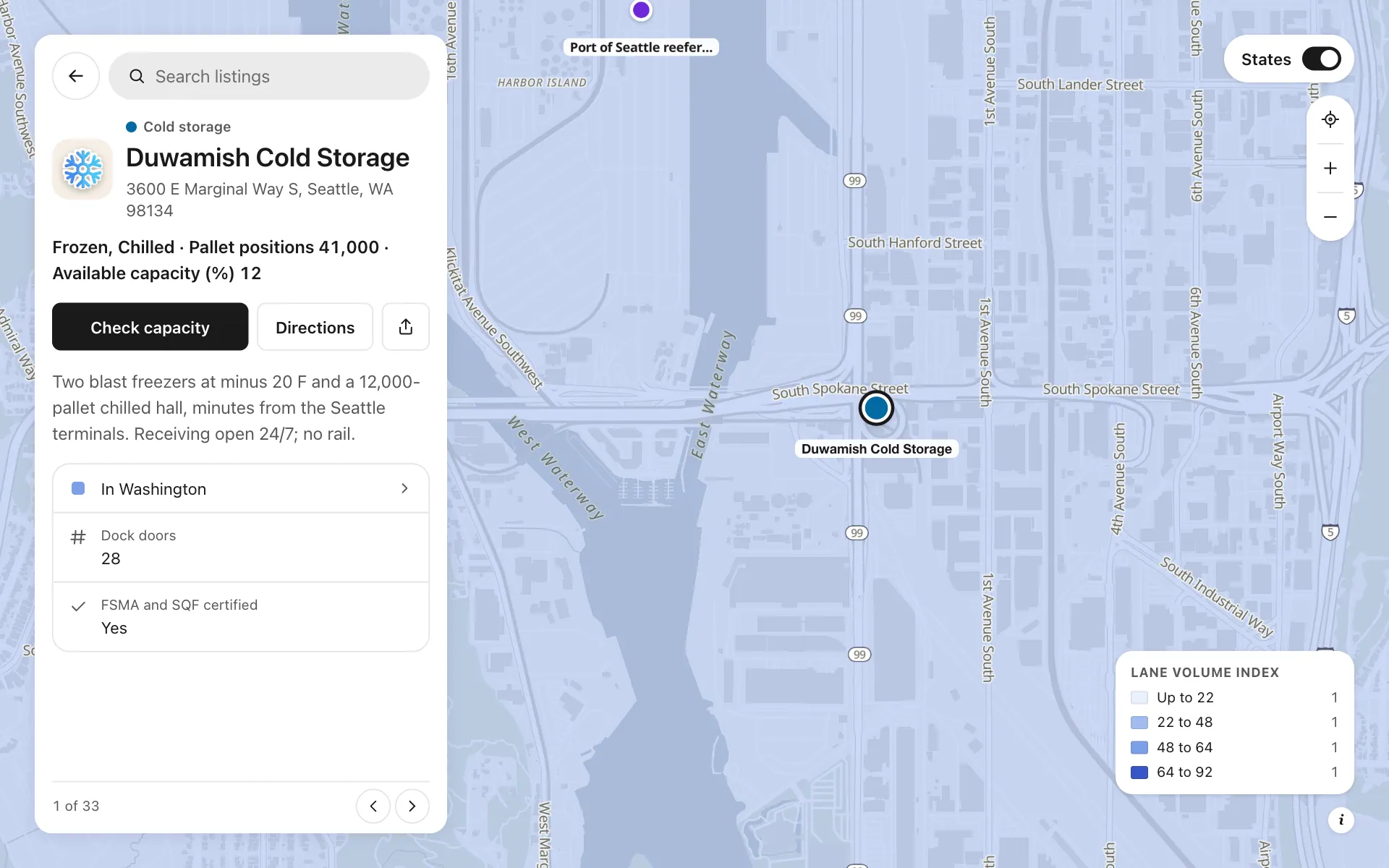
Open any place on the map to see its details and buttons.
Make one like it in an afternoon
You don't need a developer. These are the four steps, in Create Mappins.
Step 1
Create a directory map and add fields: Temperature zones (multiple choice), Pallet positions, Dock doors, Available capacity (%) and FSMA and SQF certified (yes or no). Turn on filter for the ones planners search by.
Step 2
Add five categories, such as Cold storage, Cross-dock, Processing plant, Port terminal and Grocery DC, each with its own color and sticker.
Step 3
Add a phone field named Planner desk with the button Check capacity, then add each facility by address, or import your facility sheet (Pro).
Step 4
Add the US states layer limited to your region, shade it by a Lane volume index column, set the start view and publish. Share the link with planners or embed it in your intranet.
More maps like this
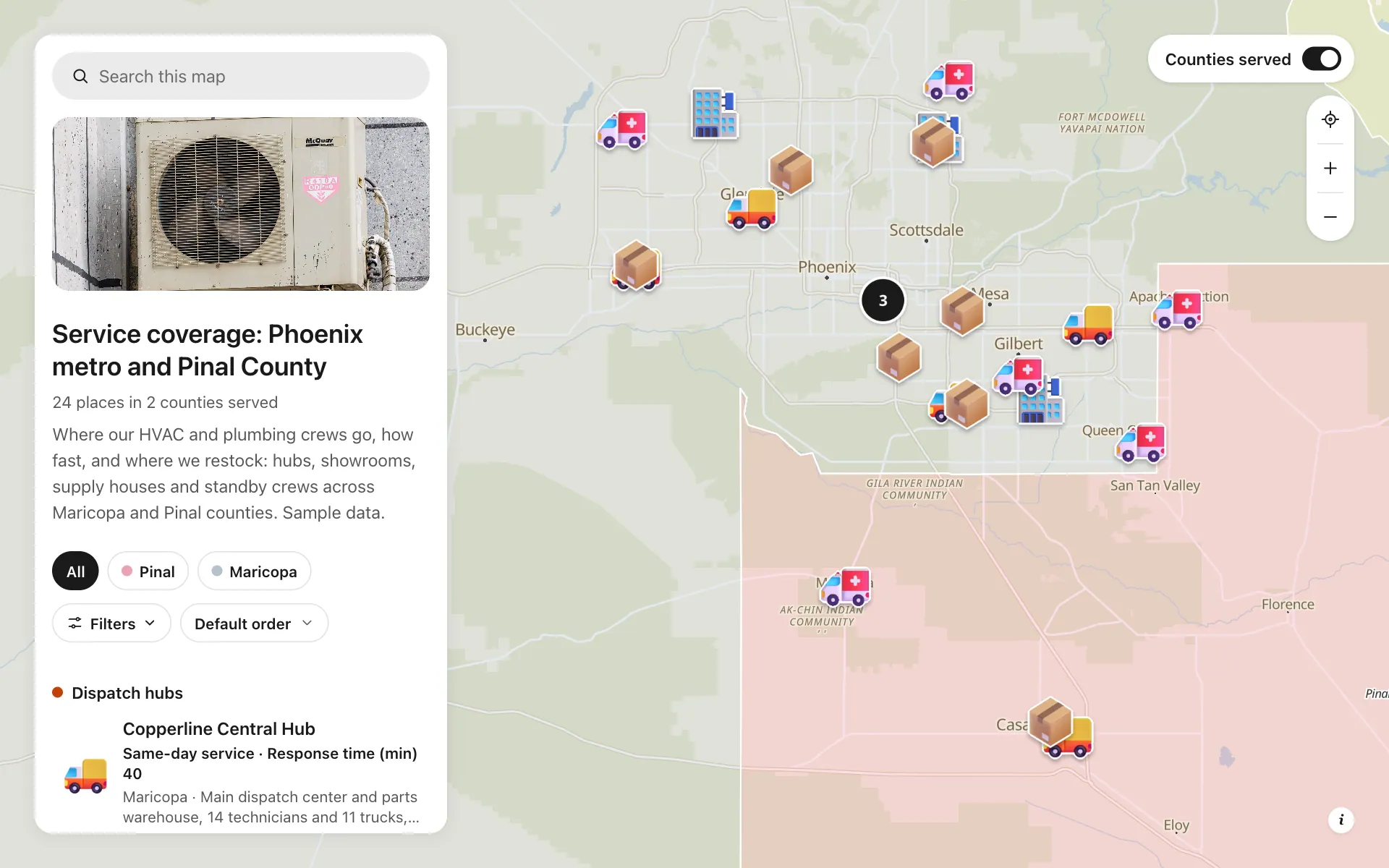
Service area and dispatch map
Dispatch hubs, same-day zones, supply houses and standby crews, shown on one coverage map.
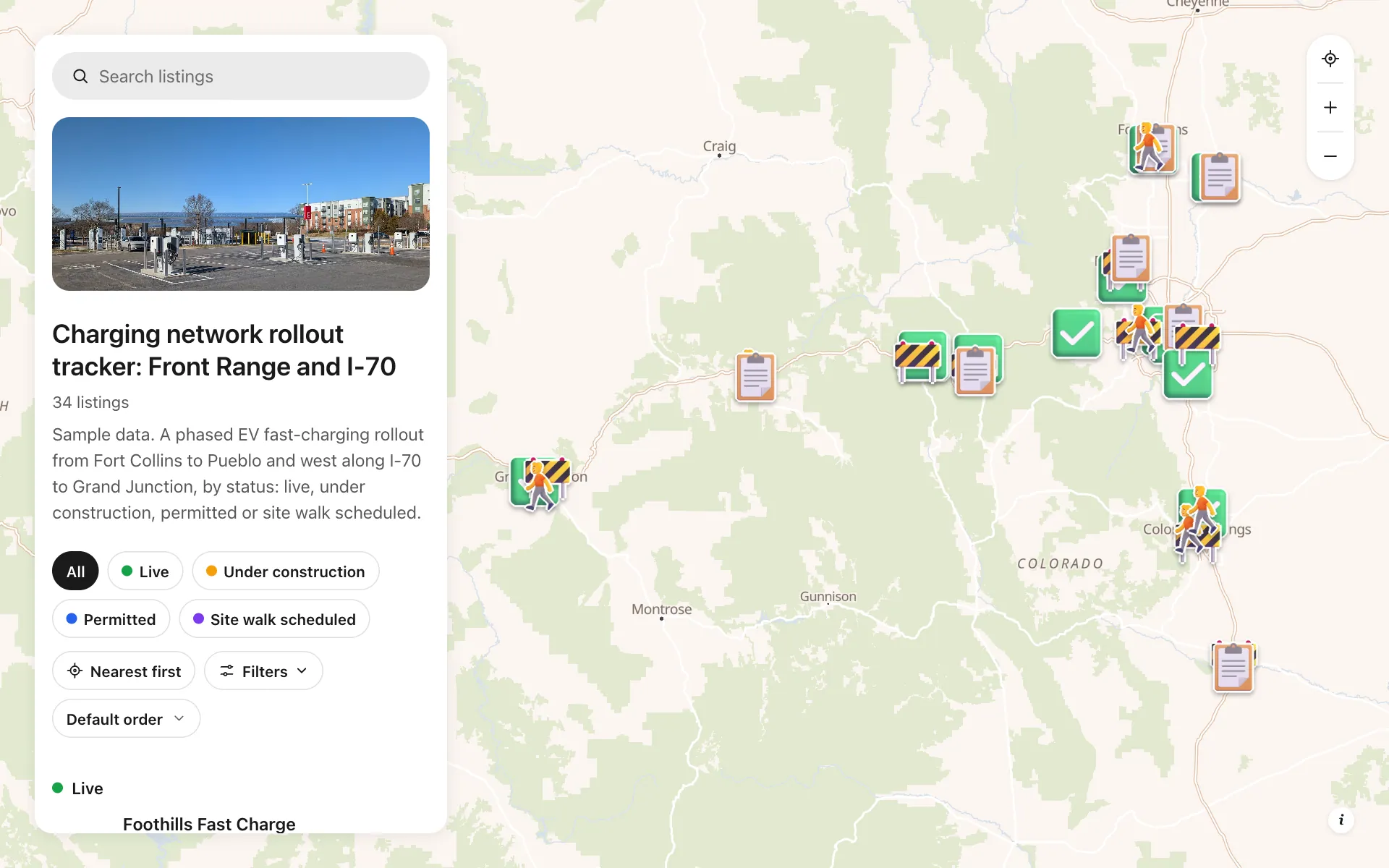
EV charging rollout tracker
34 sites from Fort Collins to Grand Junction by status, power, stalls and host type, with a host contact line.
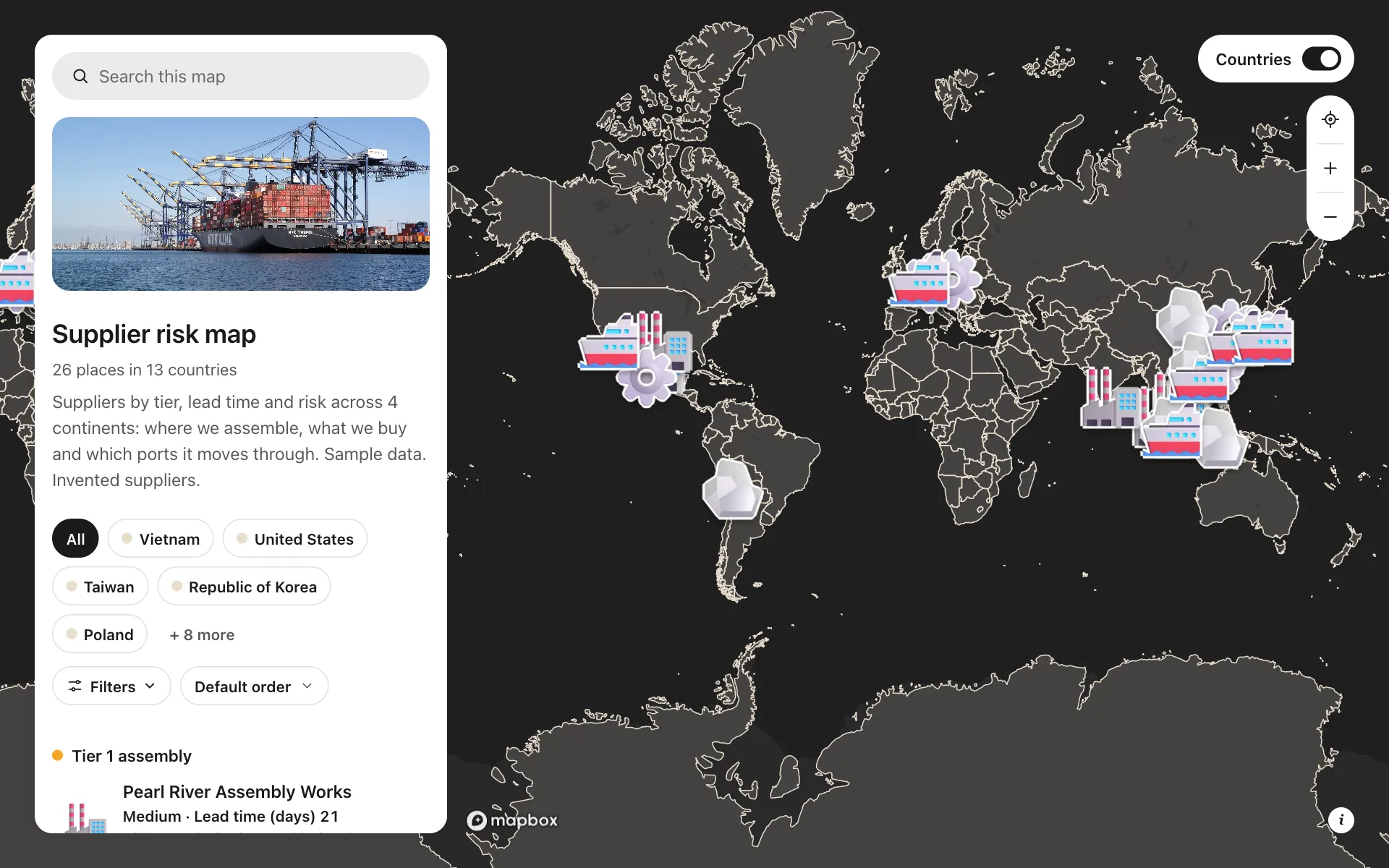
Supplier risk map
Suppliers by tier, lead time and risk, so concentration shows at a glance.
Build the map your business needs
Start free: up to 3 maps. Import your own data, add photos and details, and share one link.